

The Phone Casino App: No Download Needed, It Runs in Your Browser
There is no native The Phone Casino app for iOS or Android, and nothing to download. The casino runs in your phone browser, with Face ID or fingerprint login, Pay by Mobile deposits and the same lobby and promotions as on desktop.
- Login: Face ID or fingerprint
- Native app: None, browser only


Page contentsContents 11 Open ▾








Offers You Can Use on Mobile
-
Mega Reel
£20 or More Deposit
Named in the casino FAQ
Terms not published • check the site
Spin the Reel -
Sign-Up Free Spins
10 Free Spins
On Big Bass Splash, add a valid debit card
10x wagering • Max £50 conversion without a deposit
Claim Spins -
Daily Wheel & Weekly Cashback
One Spin a Day
Plus 5% cashback on slots, paid Fridays
Log in to play, same on mobile and desktop
Get Rewards
Android: No APK and No Play Store App
There is no The Phone Casino app for Android: no Google Play listing and no APK. Be wary of any APK offered under this name. Open the site in Chrome, Samsung Internet or another browser and log in. Most browser menus have an Add to Home screen option that puts a shortcut on your home screen; it is a browser feature, not an app install.
Because nothing is installed, you never need to enable "Unknown Sources" or grant any app permission, and there is nothing to keep up to date. Fingerprint login is available in the web login box, and Pay by Mobile deposits carry a £2.50 fee each time.
Add a Home Screen Shortcut on Android
-
1
Open in Chrome
Load The Phone Casino in Chrome or Samsung Internet
-
2
Open the Menu
Tap the three-dot icon to open browser options
-
3
Add to Home Screen
Choose "Add to Home screen" (wording varies by browser)
-
4
Tap & Play
Tap the new icon, log in and start playing
Security Notice
Always open The Phone Casino from a trusted bookmark or your home-screen shortcut to avoid look-alike sites. Because there is no app, you should never need to sideload an APK or grant install permissions from unknown sources; if a page asks you to, close it.
Mobile Web Browser Experience
Browser play is the only way to use The Phone Casino on a phone, so there is no separate app to compare it with. Open the site in any up-to-date mobile browser, log in, and the lobby, account and cashier you see are the same as on desktop. If you want a shortcut, Add to Home Screen is a browser feature that puts an icon on your home screen.
The cashier is the same too, with a £10 minimum deposit: Visa Debit, Mastercard Debit, Maestro, Paysafe Card, Pay by Mobile (£2.50 fee on every deposit), PayPal, Neteller and Skrill. Payment methods must be in your own name, and you can hold a maximum of 3 cards per account.
-
Mobile Web Advantages
- No store download or sideloading required
- Works on any modern smartphone browser
- Face ID or fingerprint login in the web login box
- No app taking up storage on your phone
- Same games, bonuses and cashier as desktop
- Add to Home Screen puts a shortcut on your phone
-
How to Add to Home Screen
iPhone Safari:
Tap share button → "Add to Home Screen" → Confirm
Android Chrome:
Menu (3 dots) → "Add to Home screen" → Add
Samsung Internet:
Menu → "Add page to" → "Home screen"
Try It in Your Browser
The Phone Casino on Mobile: No App Needed
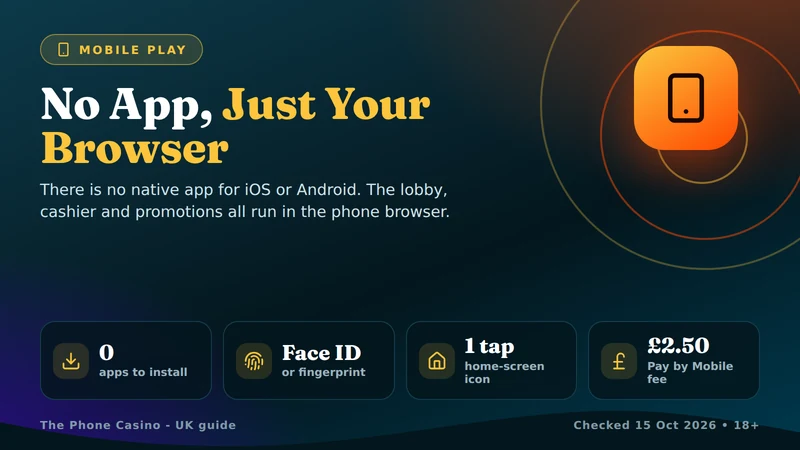
There is no native The Phone Casino app. The casino has no iOS app, no Android app, no App Store or Google Play listing and no APK to download. It is a browser-only site: you open it in Safari, Chrome or another phone browser, log in and play. Treat any app or file offered under this name with caution and open the casino from a trusted bookmark instead.
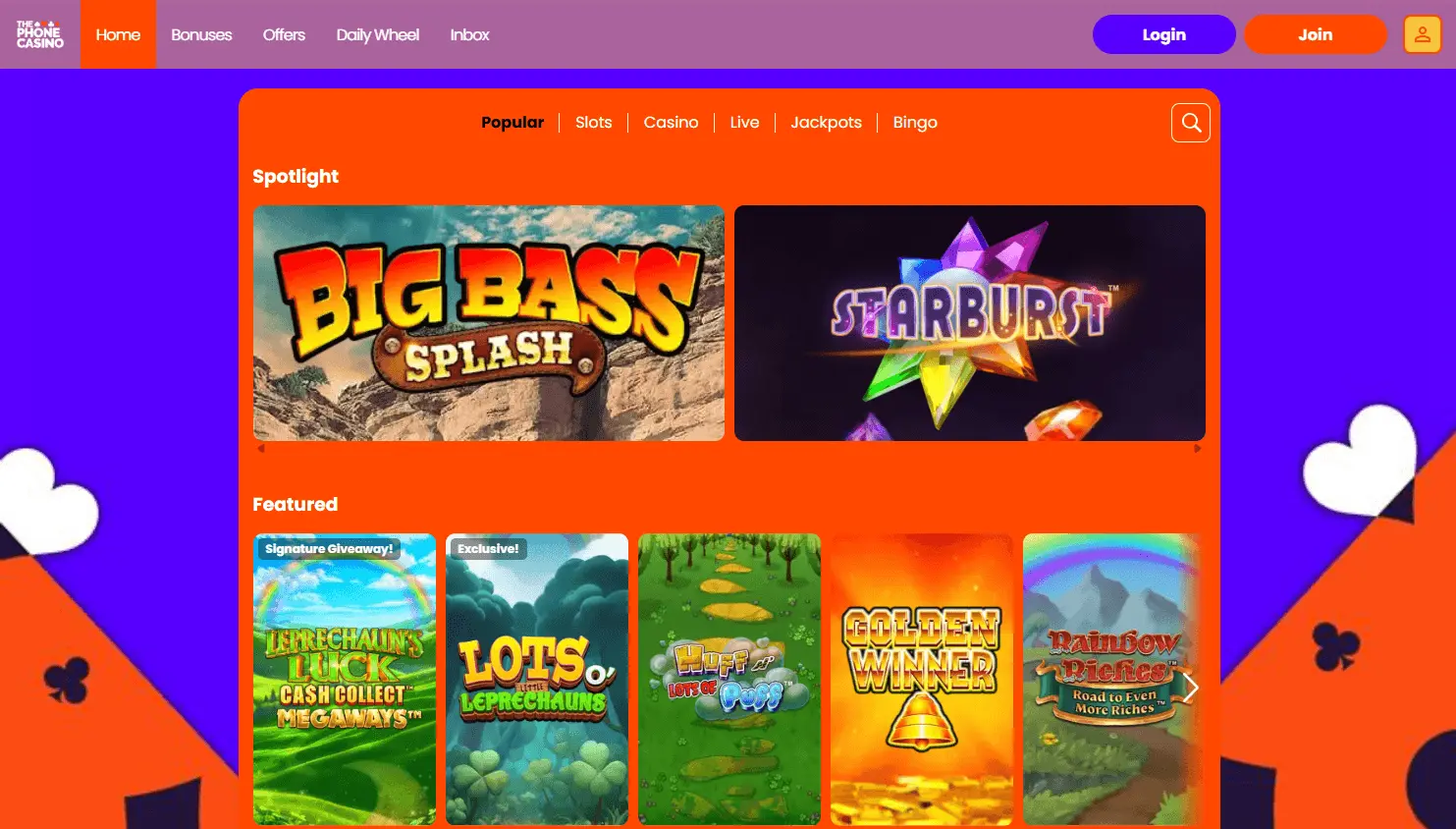
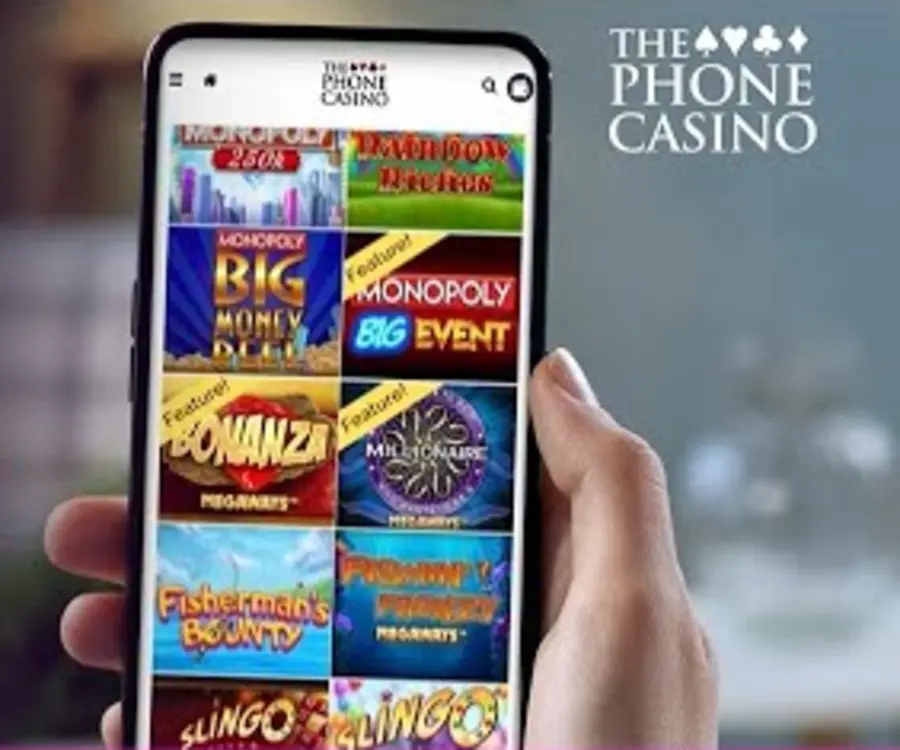
What you get in the browser is the full casino. The lobby covers slots, instant wins, live casino, jackpots and table games, with titles such as Big Bass Splash, Gates of Olympus and Sweet Bonanza. The casino does not publish a total game count, so we do not quote one.
Promotions are the same on a phone as on desktop: the welcome offer of 10 free spins on Big Bass Splash for adding a valid debit card, the Daily Wheel, Weekly Cashback and the Mega Reel deposit bonus. The browser's own Add to Home Screen option can put a shortcut on your home screen. The Phone Casino is licensed by the UK Gambling Commission (account 39175) through Jumpman Gaming Limited, and the same responsible gambling tools, including GAMSTOP, are available at any time.
- Install Type
- Browser only
- Game Types
- 5 in lobby
- UK Licence
- UKGC
- Min Deposit
- £10








Mobile Gaming Tips for Best Experience
-
Battery Optimization
- Close other tabs and background apps before gaming
- Use power saving mode for longer sessions
- Lower screen brightness if needed
- Keep your device cool during play
-
Connection Quality
- Use WiFi for live casino games
- 4G/5G is usually fine for slots
- Avoid gaming during peak hours
- Check your signal before a live table session
-
Account Setup
- Turn on Face ID or fingerprint login in the web login box
- Keep your email details current so account messages reach you
- Set deposit and session limits before you play
- Keep your browser updated for best compatibility
Devices and Browsers
iPhone and iPad
- No minimum iOS or iPadOS version is published
- Use the current version of Safari or another browser
- Face ID login is available in the web login box
- Add to Home Screen is in Safari's Share menu
- Pay by Mobile deposits carry a £2.50 fee
- Withdrawals go back to your registered card
Android Phones and Tablets
- No minimum Android version is published
- Use an up-to-date Chrome, Samsung Internet or other browser
- Fingerprint login is available in the web login box
- Add to Home screen is in the browser menu
- There is no APK, so never enable Unknown Sources
- Live chat is open Monday to Friday, 9am to 4pm
iPhone and iPad: No App Store Download
There is no The Phone Casino app in the App Store, so there is nothing to download on an iPhone or iPad. You open the casino in Safari or another browser, log in and play. For one-tap access, Safari's Share menu has an Add to Home Screen option that puts a shortcut to the site on your home screen. That is a browser feature, not a casino app, and it opens the same website.
Face ID login is available in the web login box, so once your device is set up you can sign in without typing your password. Pay by Mobile is a deposit method with a £2.50 fee on every deposit; it is a payment option, not an app, and withdrawals cannot be sent to it - they go back to your registered card.
Add a Home Screen Shortcut on iPhone
-
1
Open in Safari
Visit The Phone Casino in Safari on your iPhone or iPad and sign in or register
-
2
Add to Home Screen
Tap the Share icon, choose "Add to Home Screen" and confirm to place a shortcut to the site
-
3
Tap & Play
Tap the new icon on your home screen to open the casino in your browser, log in and start playing
No App Needed
There is no iOS app, so there is no app version to match. The casino does not publish a minimum iOS version, so keep Safari or your chosen browser up to date.
Mobile Browser vs Desktop Comparison
| Feature | Home-Screen Shortcut | Desktop | Mobile Browser |
|---|---|---|---|
| Game Library | Full lobby | Full lobby | Full lobby |
| Live Chat Support | Mon-Fri, 9am-4pm | Mon-Fri, 9am-4pm | Mon-Fri, 9am-4pm |
| Home-Screen Icon | Yes, via browser | N/A | One-time setup |
| Native App | None | None | None |
| Face ID / Fingerprint | Web login box | Password login | Web login box |
| Cashier | Same cashier | Same cashier | Same cashier |
| Updates | Server-side | Server-side | Server-side |
The Phone Casino App FAQ
Is there a The Phone Casino app to download?
No. The Phone Casino has no native app for iOS or Android, no App Store or Google Play listing and no APK, so there is nothing to download. It runs in your phone browser. Be careful with any app or file offered under the name, and open the casino from a trusted bookmark. The operator, Jumpman Gaming Limited, holds UK Gambling Commission licence 039175-R-319452-025.
Can I use the same account on mobile and desktop?
Yes. There is one account whichever browser you use. Face ID or fingerprint login is available in the web login box, and your browser's Add to Home Screen option can put a shortcut on your phone.
Are there mobile-exclusive bonuses available?
We found no mobile-only bonuses. The promotions are the same on phone and desktop: 10 free spins on Big Bass Splash for adding a valid debit card (10x wagering), the Daily Wheel for logged-in players, 5% Weekly Cashback on slots paid on Fridays, and the Mega Reel deposit bonus (from £20, terms not published). Check each promotion's terms in your account.
How much mobile data does playing in the browser use?
The Phone Casino does not publish data-usage figures. Live casino streams video, so it uses far more data than slots; use Wi-Fi for live tables if your allowance is limited.
Can I make deposits and withdrawals on my phone?
Yes, the cashier in the browser works as it does on desktop. Deposits start at £10 and can be made by Visa Debit, Mastercard Debit, Maestro, Paysafe Card, Pay by Mobile (£2.50 fee on every deposit), PayPal, Neteller or Skrill. Withdrawals cannot be sent to Pay by Mobile and go back to your registered card, after a 72-hour pending period and then 1-3 working days according to the FAQ (the terms say 1-5 working days to the bank). Your first withdrawal needs photo ID, proof of address and proof of payment method.
What should I do if the site won't load on my phone?
Check your connection, then close the tab and reopen the site, or restart the browser. Updating the browser and clearing its cache can also help. If the problem continues, use live chat (Monday to Friday, 9am to 4pm) or the contact form in the casino FAQ; email support replies within 2 business days.
Does The Phone Casino work on tablets?
There is no tablet app; you open the site in the tablet's browser. The casino does not publish a list of supported tablets, so keep your browser up to date and use Wi-Fi for live tables.
Do I need to update anything on my phone to play?
There is no app to update. The site loads in your browser as it currently stands, so the only thing worth keeping current is the browser itself.
Ready to Play on Your Phone?
- 10 free spins
- No deposit
- 10x wagering
Open The Phone Casino in your phone browser, add a home-screen shortcut if you like, and browse the Daily Wheel, Weekly Cashback and a lobby of slots, instant wins, live casino, jackpots and table games - no download needed. The 10 free spins on Big Bass Splash land as soon as a debit card is added.